Create a pass category
-
In the office panel go to Settings → Passes categories.
-
Click Add.
-
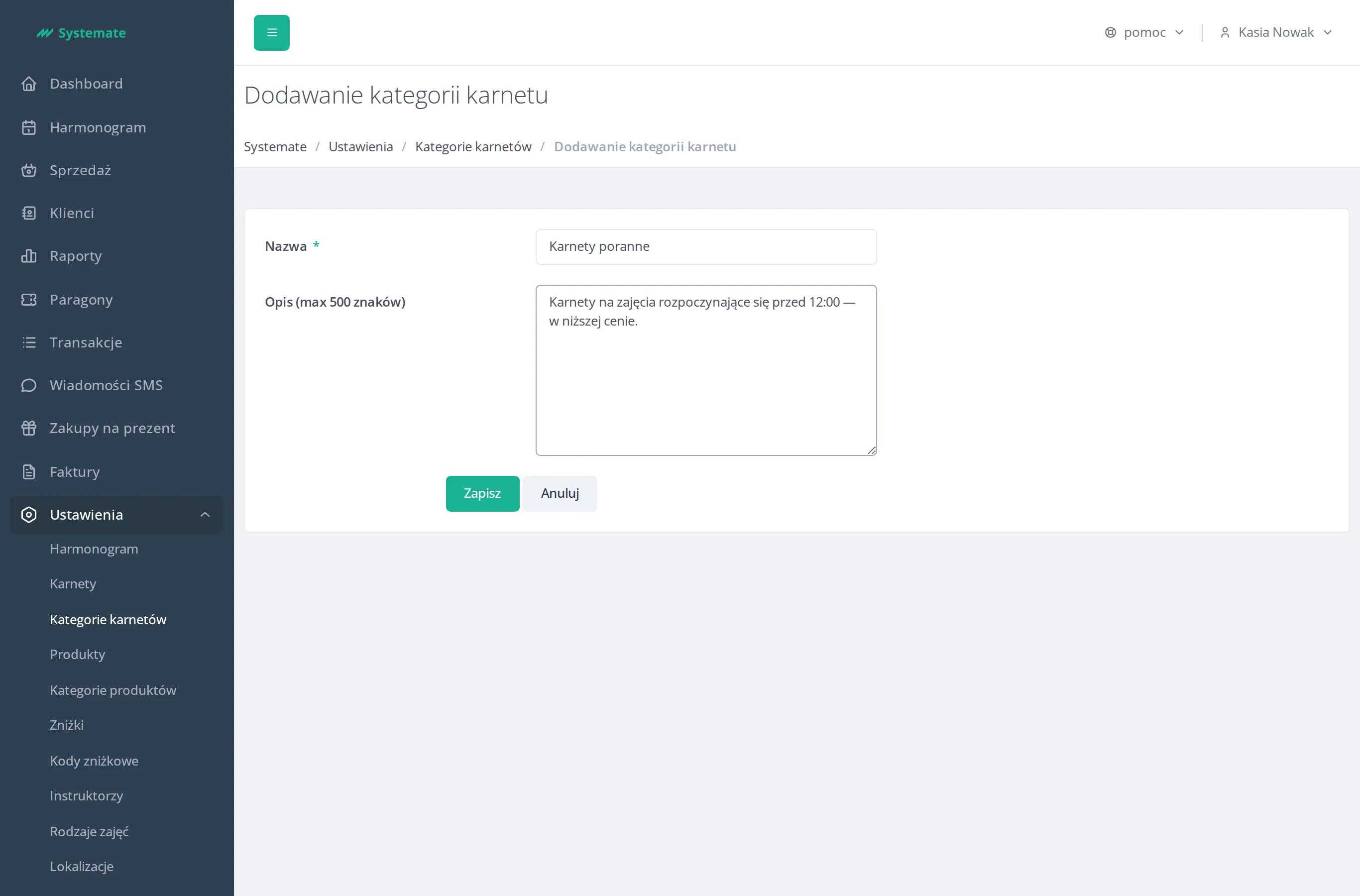
Fill in the form:
- Name — the category name shown to customers,
- Description (chars limit: 500) — a short description visible for customers.
-
Click Save.
-
Optionally click Change sort on the category list and drag & drop the categories to change the order in which they are presented.