Create a discount code
-
In the office panel go to Settings → Coupons.
-
Click Add.
-
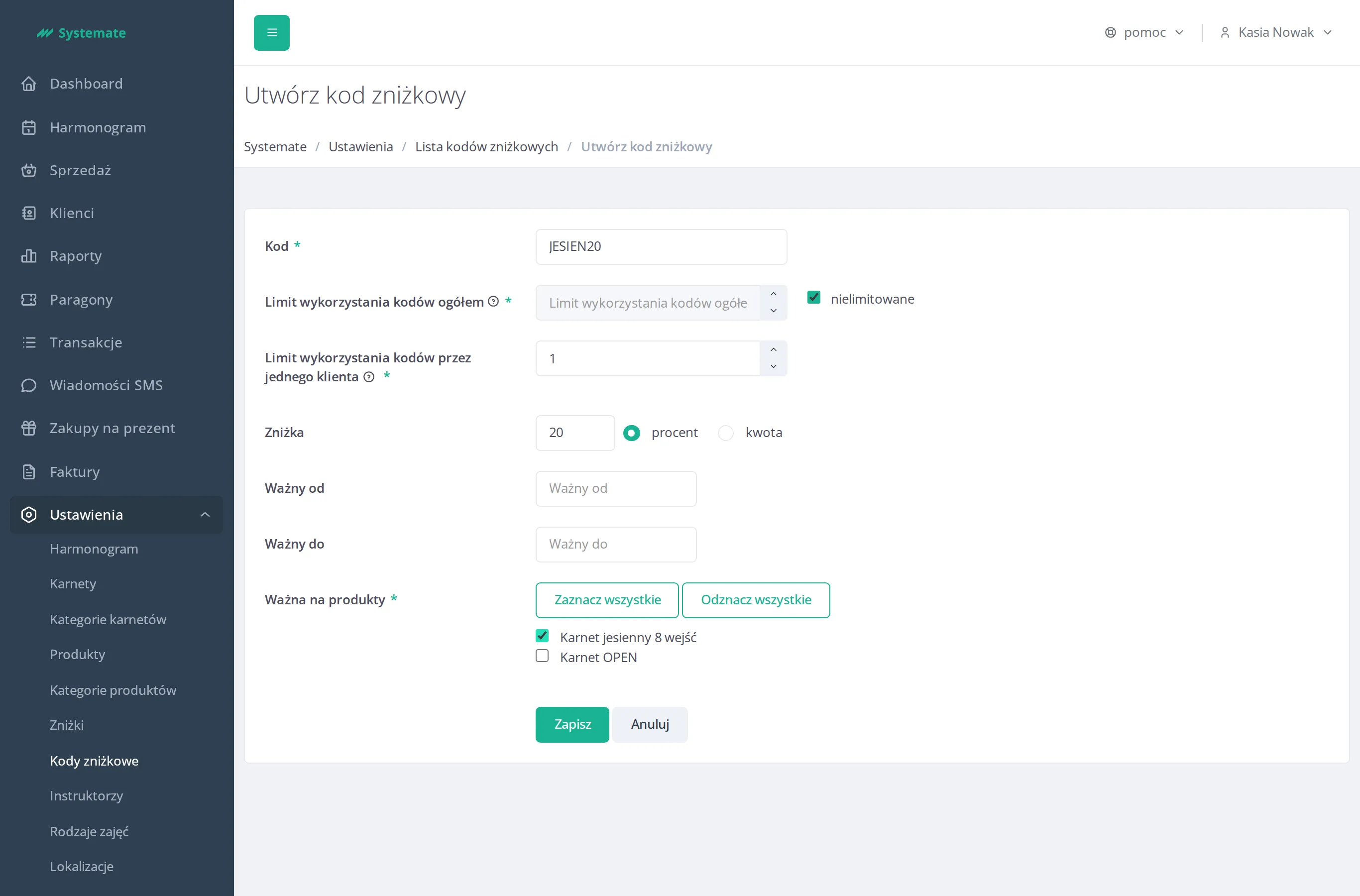
Fill in the form:
- Code — the code customers will enter to redeem the discount,
- Max redemptions (total) — check unlimited, or clear it and set a number,
- Max redemptions per one customer — how many times a single customer can use this coupon,
- Discount — enter the value and choose percent or amount,
- Valid from / Valid to (optional) — the period the coupon is active,
- Valid for products — select which passes the coupon applies to (use Select all / Deselect all to speed this up).
-
Click Save.