Kasia asks for help
Kasia Nowak is having a busy morning at the Studio Ruchu Flow front desk. A customer just bought a pass — see Sell a pass at the front desk — but the receipt printer keeps spitting out blank paper, and Kasia can’t tell whether the problem is the printer or something in the panel.
1. She opens the help area
Section titled “1. She opens the help area”Kasia doesn’t want to guess. In the top bar of the office panel she clicks the pomoc dropdown — the one with the lifebuoy icon — and picks New issue.
2. She sends a support request
Section titled “2. She sends a support request”The Help page greets her with a simple message: “Do you have a question, a problem or need some advice?” — just send an email.
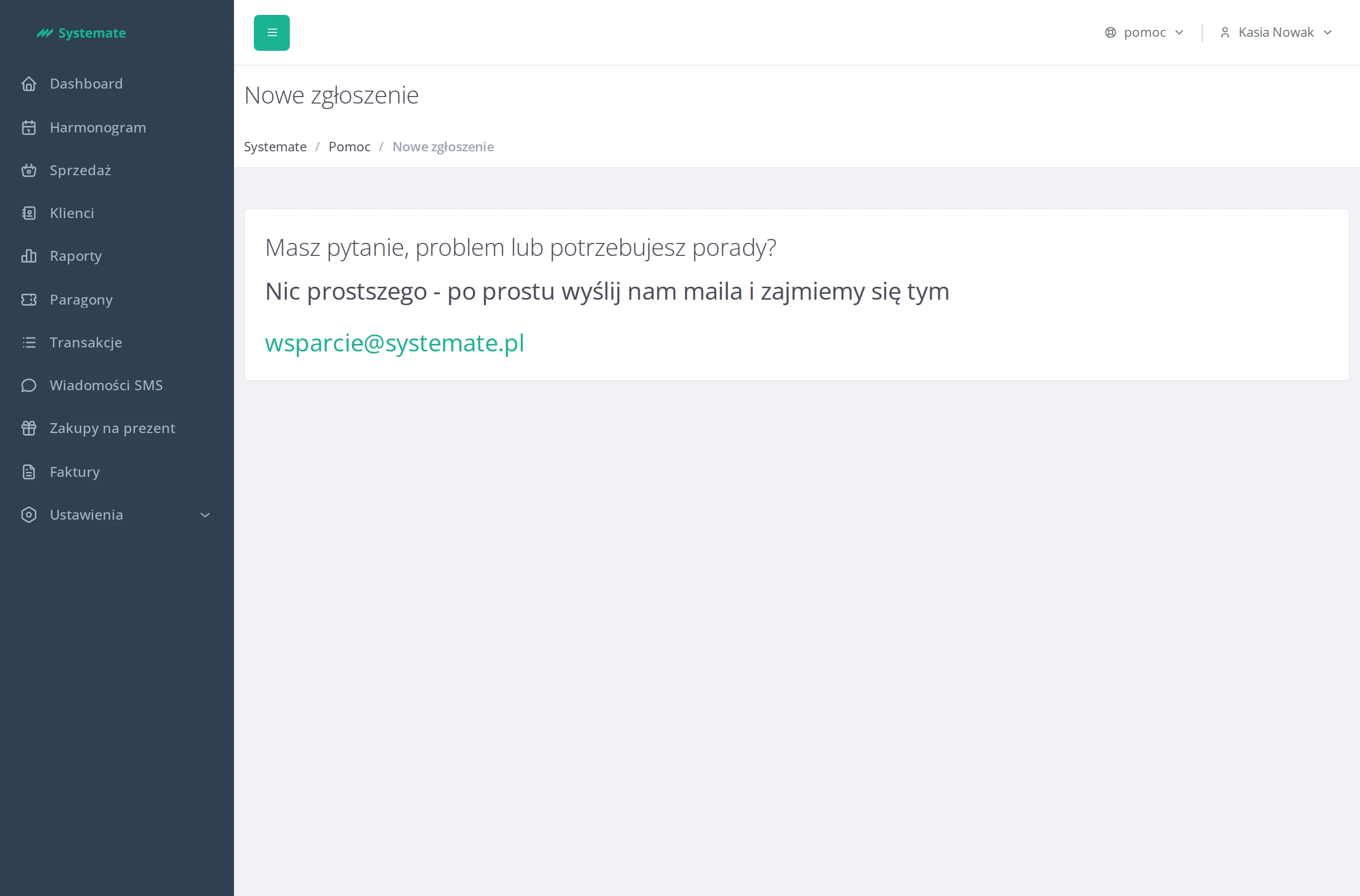
Kasia clicks the support address shown there, her email app opens, and she writes a short note: which sale it was, what the printer did, and when it happened. Send — and she is back to the queue at the desk.
Step by step: Contact support.
3. The answer arrives
Section titled “3. The answer arrives”The whole conversation happens over email, so Kasia doesn’t have to watch the panel for a response. The support team replies to the address she wrote from, and the answer is waiting in her inbox.
The result: the problem is in support’s hands, the front desk never stopped, and the fix arrives in Kasia’s mailbox.