Manage your subscription
A subscription is a pass that renews automatically — you pay a recurring price charged every set number of days.
-
Log in and open the navigation menu (or the profile dropdown in the top bar).
-
Click subscriptions. This link is shown only when your studio offers subscriptions.
-
The Subscriptions view lists each of your subscriptions with its name and current status:
- active — the subscription is running and renews automatically,
- trial — you are in a trial period,
- past due or unpaid — a renewal payment failed and needs your attention,
- paused — the subscription is temporarily on hold,
- incomplete / expired — the first payment was not completed (or the time to complete it ran out),
- canceled — the subscription has ended.
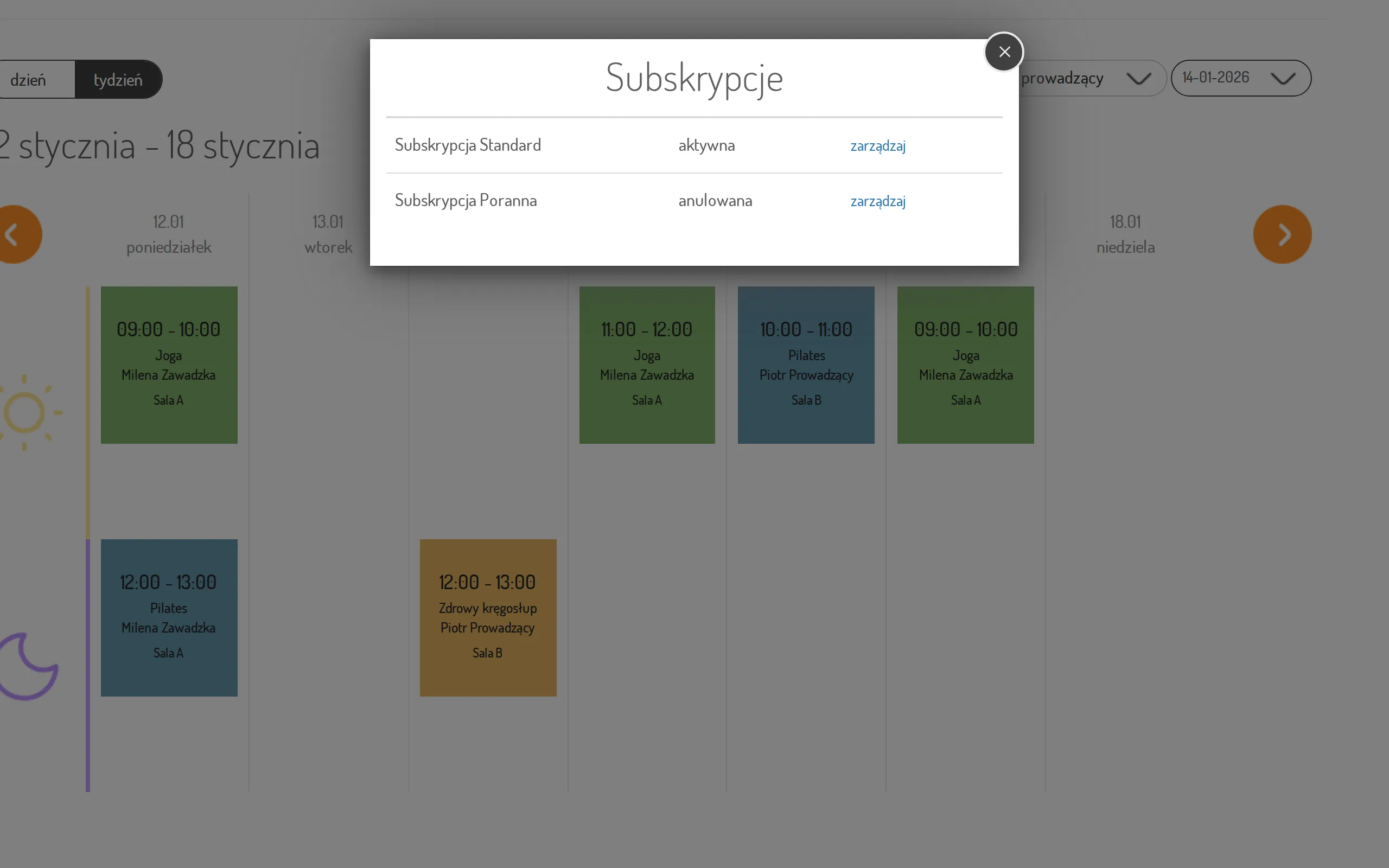
-
Click manage next to a subscription — you will be taken to the payment operator’s secure customer portal, where you can review payments, update your card, or cancel. When you are done, the portal takes you back to the customer panel.
If you have no subscriptions yet, the view shows “You have no subscriptions”.