Contact support
When you have a question, run into a problem, or need advice, the office panel points you straight to the Systemate support team. Support requests are handled by email — there is no in-app form to fill in.
-
In the top bar click the pomoc dropdown (the lifebuoy icon). The label is shown in Polish regardless of the interface language.
-
Choose New issue.
-
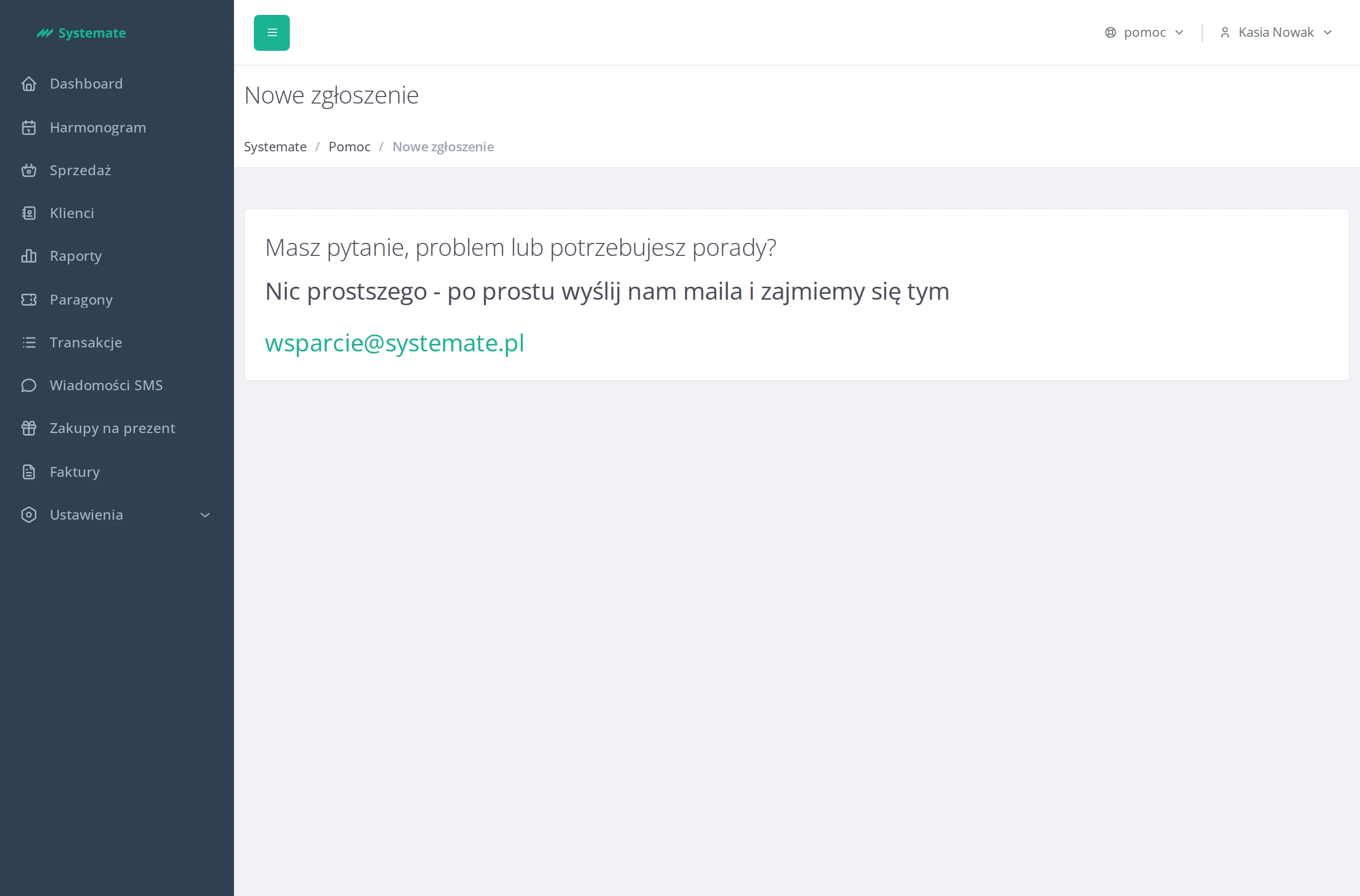
The Help page opens and asks: “Do you have a question, a problem or need some advice?” — “Nothing could be simpler—just send us an email and we’ll take care of it”.
-
Click the support address shown on the page. Your email app opens with a new message addressed to support.
-
Describe the issue — what you were doing, what you expected, and what happened instead — and send the email.
The support team replies by email, to the address you wrote from. Since the whole exchange happens in your mailbox, there is nothing to track in the panel — just keep an eye on your inbox.