Set up automatic class cancellation
A class too few people signed up for can be cancelled by the system itself: it counts the bookings a set time before the start, cancels the class when there are too few, releases the bookings and notifies everyone concerned. The effect is the same as a manual cancellation — only the decision is taken without you.
Turn automatic cancellation on
Section titled “Turn automatic cancellation on”- Open the class in Settings → Schedule — or the cycle, if the setting is to apply to all of its classes.
- Tick Automatic class cancellation.
- Enter the minimum number of registered participants — the threshold below which the class does not take place.
- Enter how many minutes before the classes begin the decision is taken.
- Tick the channels under Notify about the cancellation via.
- Click Save.
Both numbers are required: without either of them automatic cancellation is off. Classes that belong to a workshop do not have these settings — a workshop has its own lifecycle and its own passes.
How the decision is taken
Section titled “How the decision is taken”At the moment you set, the system counts every booking on the class — including the ones whose attendance nobody has confirmed yet. If there are fewer bookings than the minimum, the class is cancelled. If there are as many or more, the class goes ahead.
The system checks classes every few minutes, so “three hours before” means in practice “between three hours and a few minutes less”. If the system was down at the moment the decision was due, it is taken once the system is back — as long as the class has not started yet. A class that has already started is never cancelled.
The decision shortens the cancellation window
Section titled “The decision shortens the cancellation window”Because the decision is taken once and never revisited, the attendance can no longer drop after it: customers do not leave the class past the moment of the decision. The deadline for cancelling a booking is therefore the earlier of the two: the usual cancellation window and the moment the system decides.
The class form says so straight away. Under the decision fields stands a description of what the system will do: when it counts the bookings, at what attendance it cancels the class, that it releases the bookings and notifies the booked customers through the ticked channels. When the number of minutes before the start is greater than the cancellation window, that same description turns into a warning (yellow, with a triangle) and adds that customers will only be able to cancel up to that many minutes before the start; the same warning then replaces the description in the Own cancellation window section. The warning gives way to the plain description once the cancellation window (the class’s own or the studio’s) is longer than the moment of the decision.
Who gets notified
Section titled “Who gets notified”| Who | Channel |
|---|---|
| Signed-up customers | e-mail, SMS and the in-app notification — whichever you ticked in the class settings |
| The instructor | always an e-mail, plus an SMS when they have a phone number on file |
| The front desk | always an e-mail to the studio contact address |
Email for customers is selected by default. SMS is billed separately according to the price list and needs SMS sending configured — see Send an SMS to customers. In-app notification can be ticked once the studio has push notifications in the mobile app enabled; without them you still see the channel but cannot tick it — the reason stands next to it, and a previously saved selection shows as cleared and is saved that way.
An in-app notification only reaches customers who have the app installed and have agreed to notifications. A class that has already started by the time the message goes out gets no in-app notification — the e-mail and the SMS go out as usual.
In a studio running in sandbox mode you can tick and save the SMS channel, but an automatic cancellation sends no message — the e-mails go out as usual.
SMS is available only for studios operating in Poland. In a studio from another country the SMS option is absent from the settings, and cancellation notices go out by e-mail.
Only people who held a booking are notified. Nobody on the waiting list gets anything — they had nothing to lose.
A customer with no e-mail address gets no e-mail; a customer with no phone number gets no SMS. Everybody else gets their notification as usual.
What cannot be undone
Section titled “What cannot be undone”The cancellation releases the bookings and returns the used entries to the customers’ passes. That step cannot be reversed: you can set the class status back to Active, but the entries stay on the passes and the customers have to sign up again. Notifications that have been sent cannot be recalled either.
What the customer sees
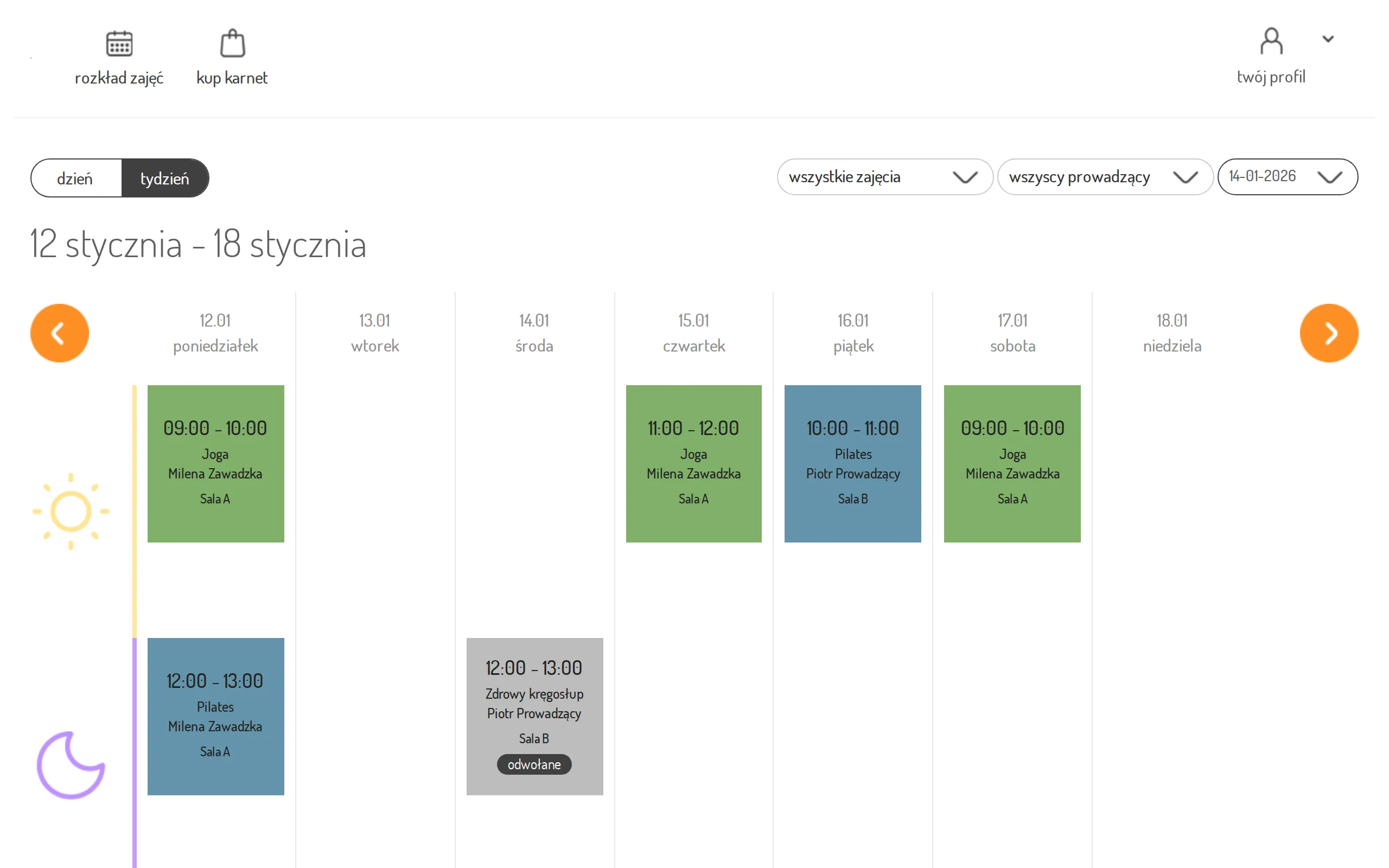
Section titled “What the customer sees”The customer gets a message naming the class and the date and hour it was to take place, and the used entry returns to their pass. In the customer panel the class tile turns grey, with a cancelled label and no sign-up option.