Work with customer tags
-
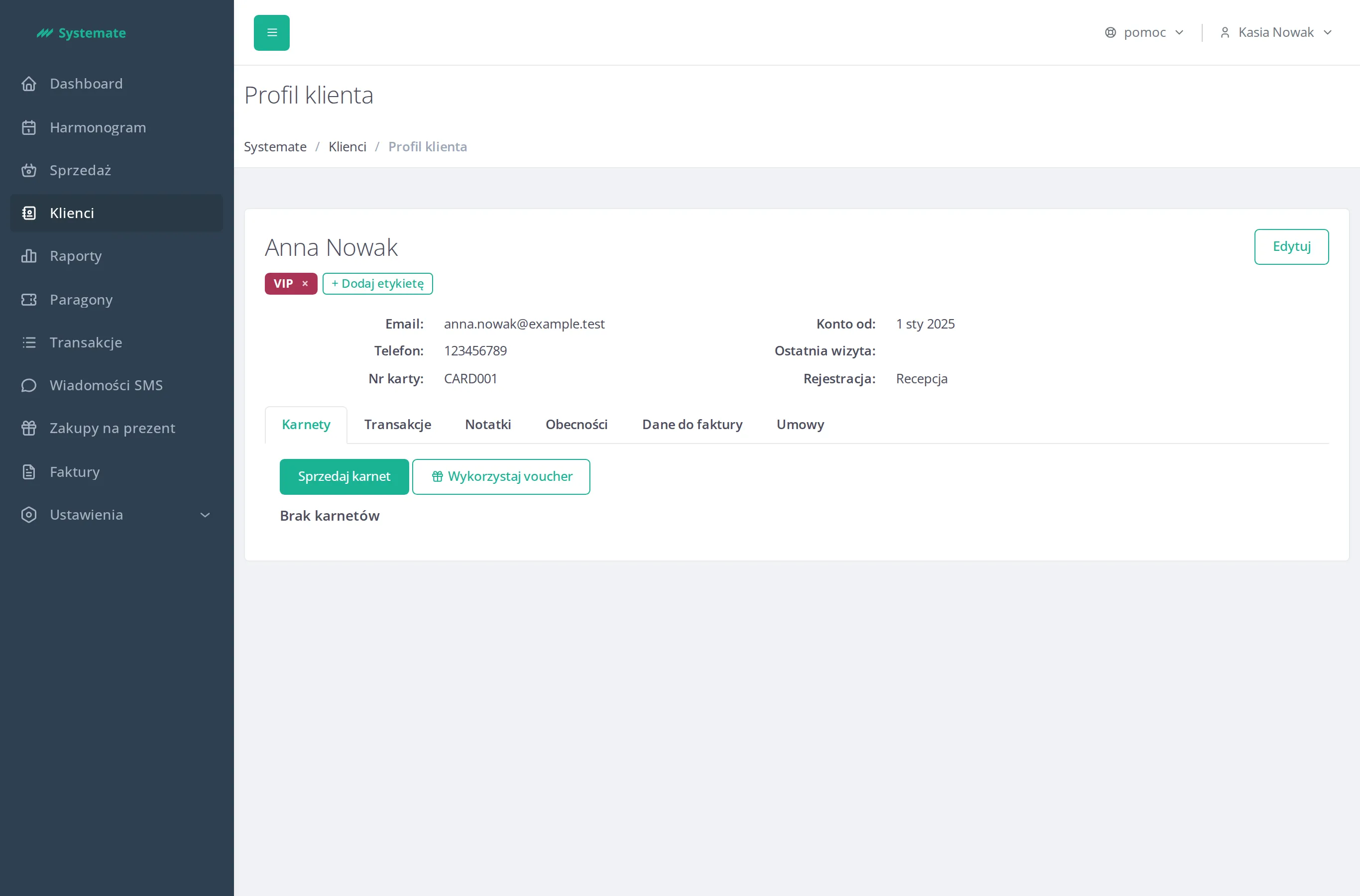
In the office panel open a customer’s profile — you’ll see their tags next to their details, as colored chips.
-
To add a tag, click + Add tag and pick it from the list — only tags the customer doesn’t already hold are offered.
-
To remove a tag, click × on its chip — no confirmation is asked.
Filter the customer list by a tag
Section titled “Filter the customer list by a tag”-
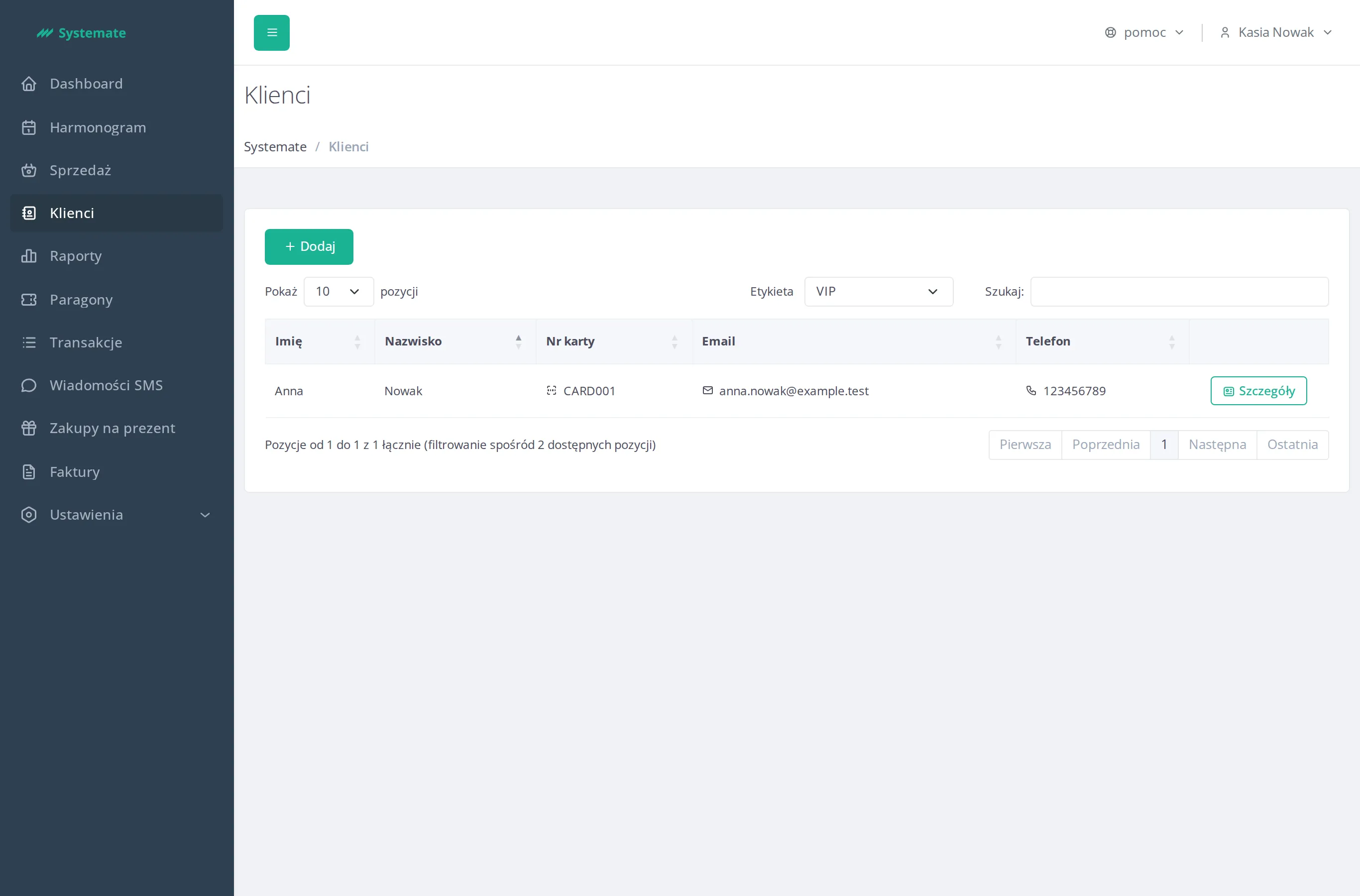
In the customer list pick a tag from the Tag field.
-
The list shows only customers holding the selected tag. The filter works together with the text search.
-
To clear the filter, pick All.