Redeem a gift voucher
-
Open offer.
-
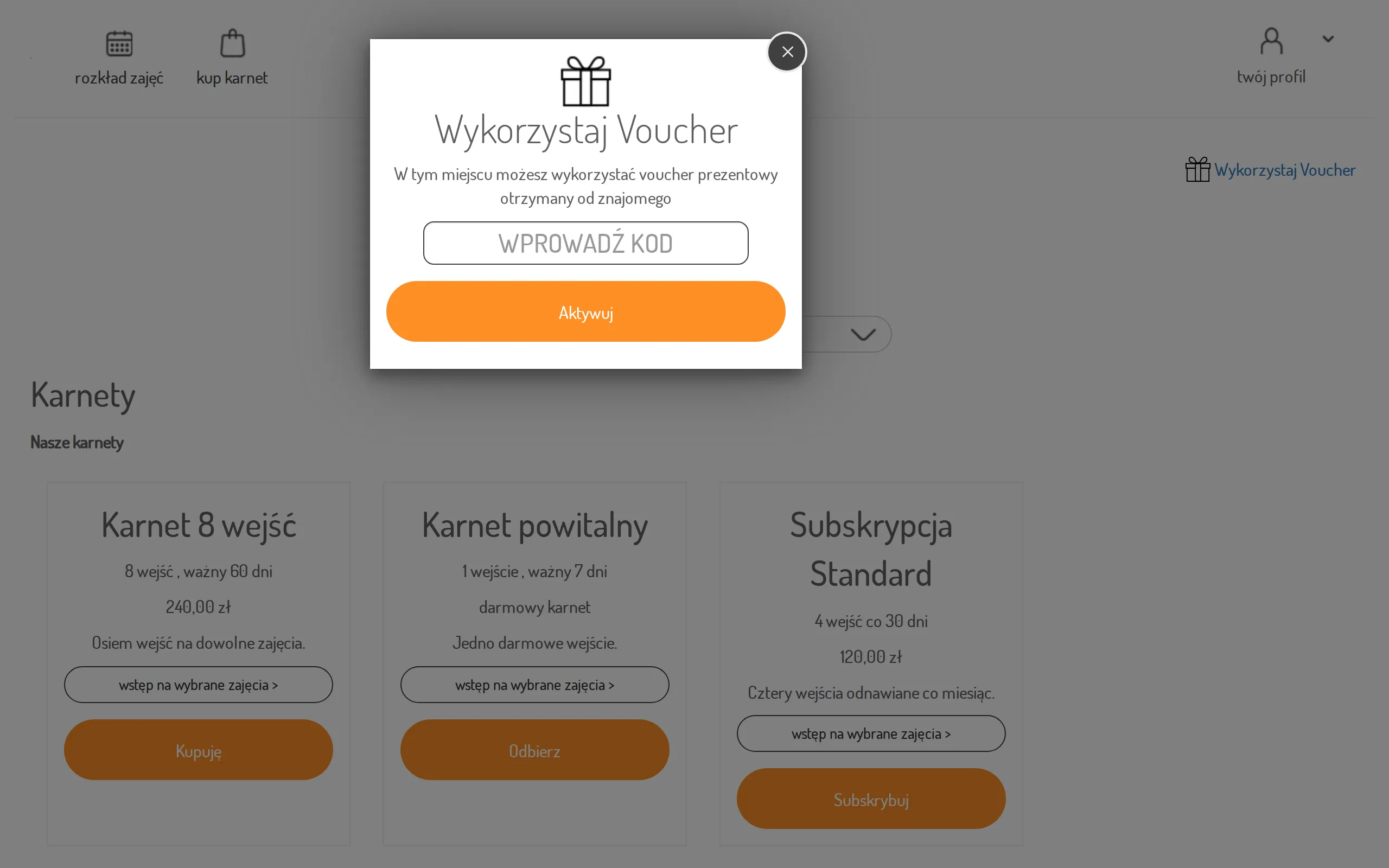
Click the gift-icon link at the top of the page to open the Use Voucher dialog.
-
In the “enter code” field, type the code you received and click Activate.
-
On success you’ll see “The voucher has been redeemed successfully. Pass has been assigned to your account!” — the pass is now on your account.
The redeemed pass shows up under Check your passes.