Take part in a workshop
Workshops and special events work differently from regular classes: instead of signing up with a pass you already have, you buy an entry for the event.
-
Find the workshop:
- in the offer — workshop tiles show the event date (or date range) and the price; when several ticket options exist, the price is shown as “from”,
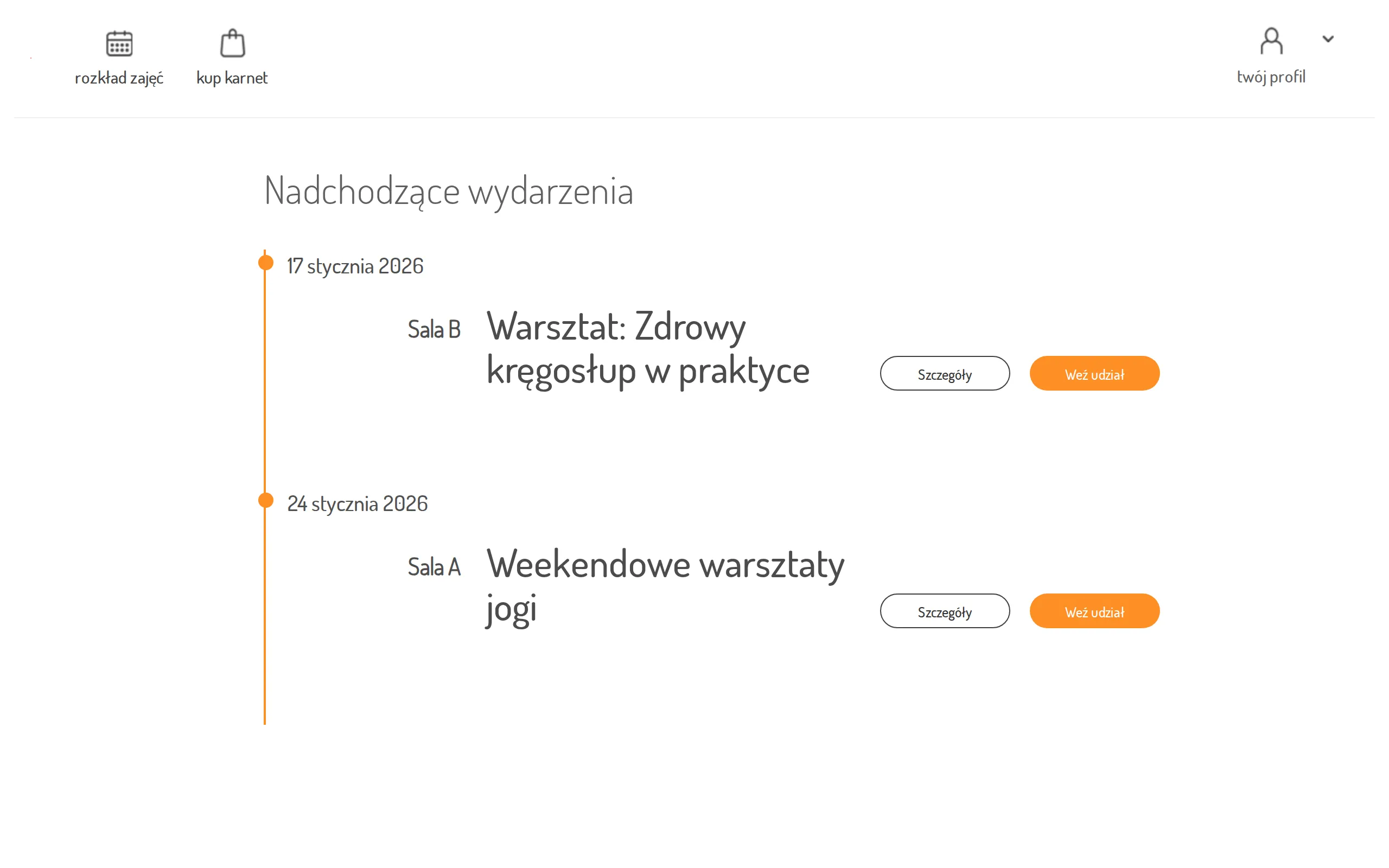
- in studios that run mainly events, the schedule page shows an Upcoming events list instead of the class calendar, with the events grouped by date.
-
Click details to read the workshop’s description page (shown when the studio provided one).
-
Click Buy — the offer opens with the purchase dialog for that workshop.
-
In the Buy pass dialog:
- if the workshop has more than one ticket option, pick one under select variant,
- if you have a discount code, click I have discount code,
- accept the terms.
-
Click Buy — you will be redirected to the payment operator’s secure page to complete the payment.
If nothing is scheduled, the Upcoming events list shows “no events found”.