Buy a pass as a gift
-
Open offer and click Buy next to the pass you want to give.
-
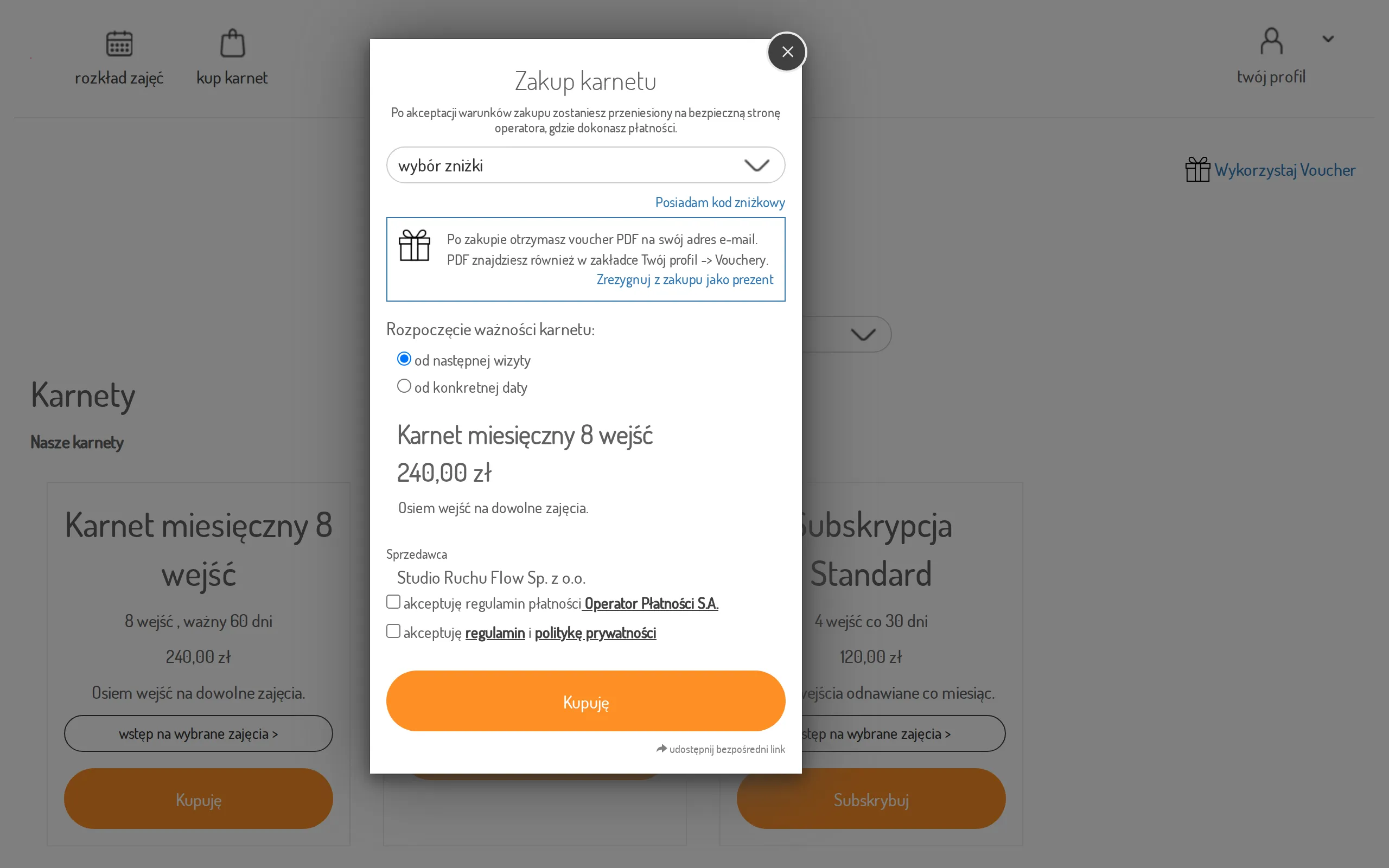
In the purchase dialog, next to “Buy as a gift?” click Click here.
-
The dialog switches to gift mode: “After the purchase, in Your profile -> Vouchers, you will find the generated code for the purchased pass.” If you change your mind, use the cancel link next to it to switch back to a normal purchase.
-
Fill in the rest of the purchase dialog as usual — see Buy a pass online — and click Buy.
-
Once the payment succeeds, a PDF voucher is emailed to you automatically.
The recipient redeems the code themselves — see Redeem a gift voucher.