Buy a pass online
-
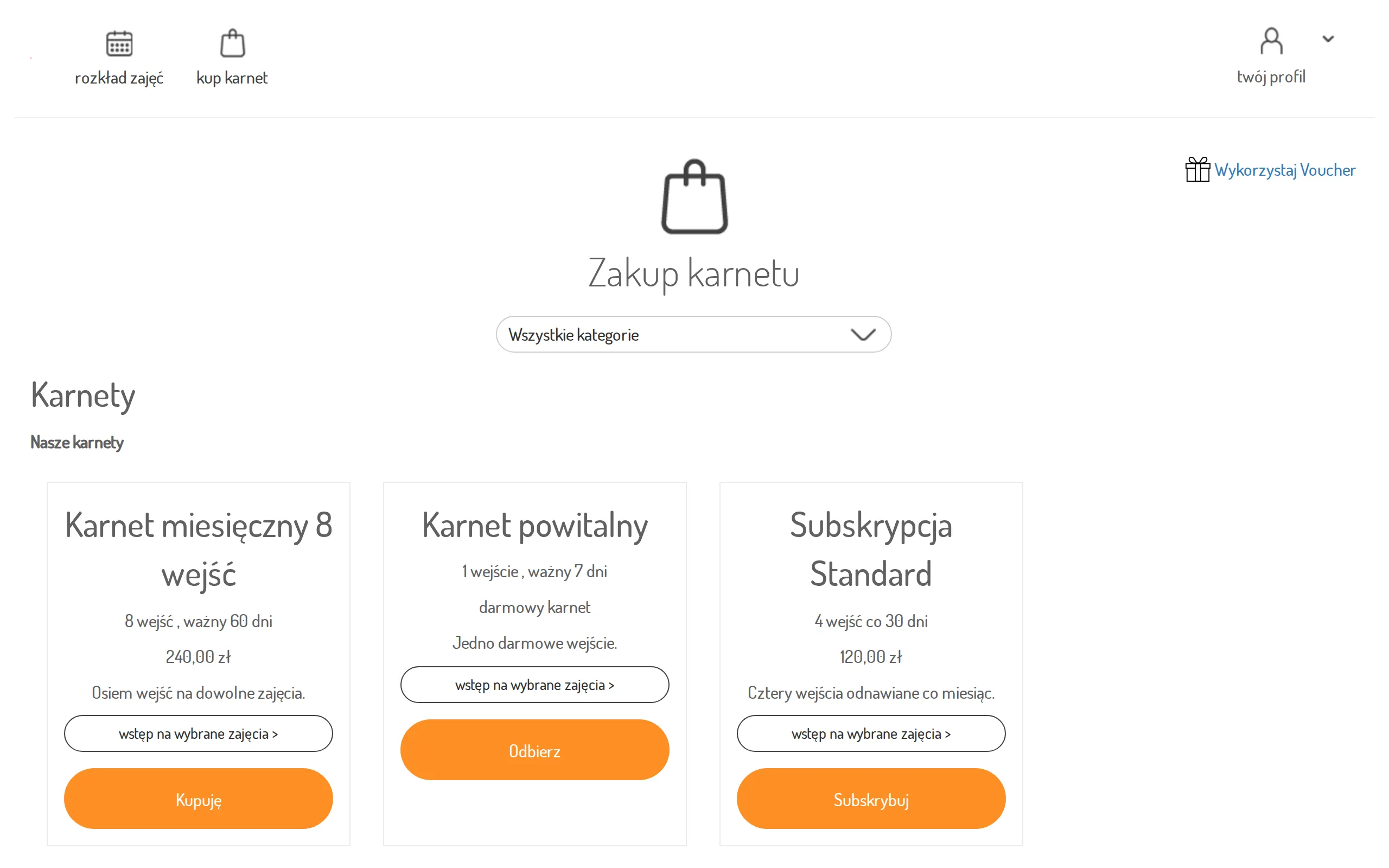
Open buy a pass — you will see the studio’s offer split into categories.
-
Click Buy next to the pass you want.
-
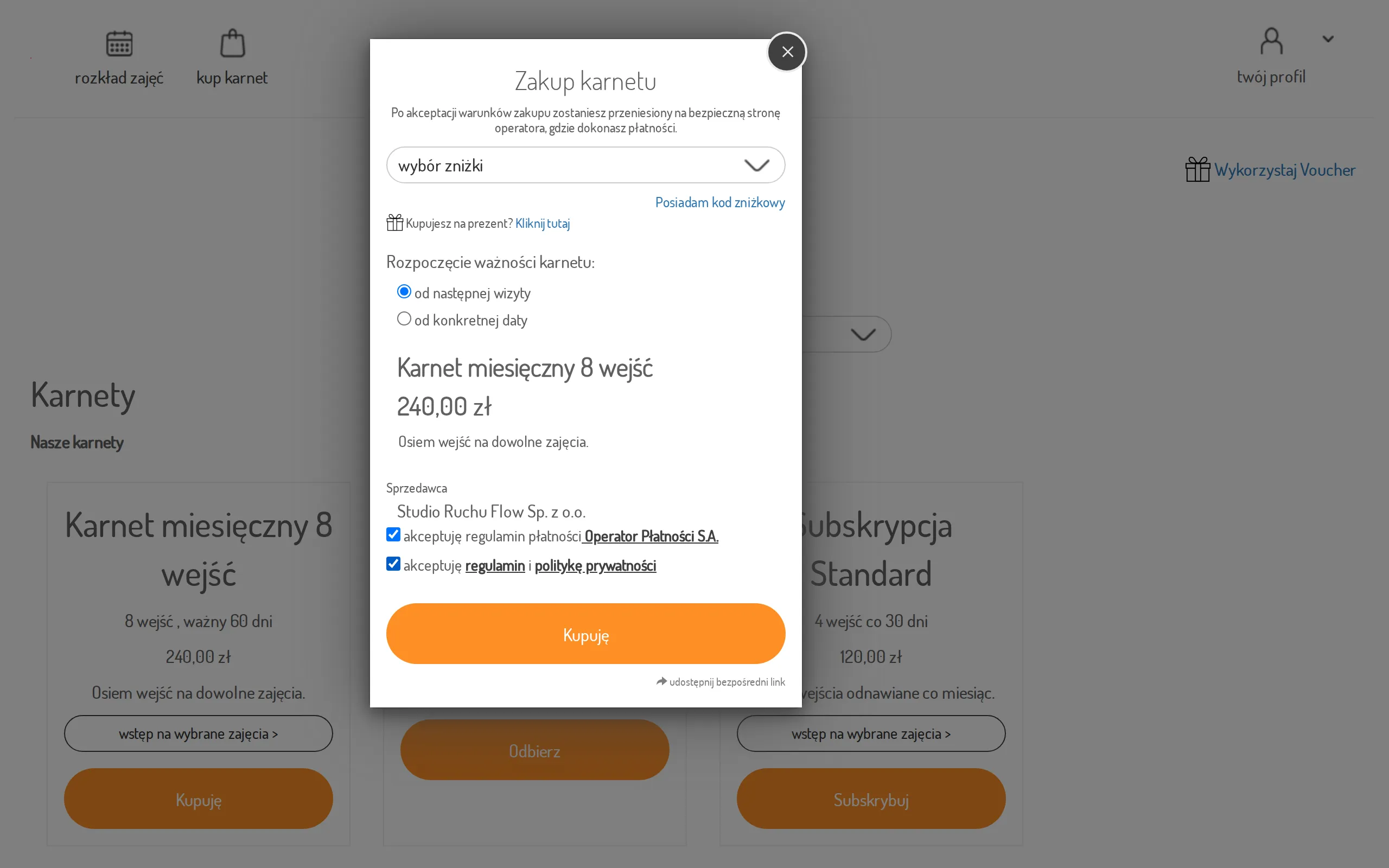
In the purchase dialog:
- choose when the pass should become valid (from the next visit or from a specific date),
- if you have a discount code, click I have a discount code,
- accept the terms.
-
Click Buy — the system takes you to the payment operator’s secure page.
-
Once paid, the pass appears in your account and can be used when signing up for classes.
Offer for selected clients
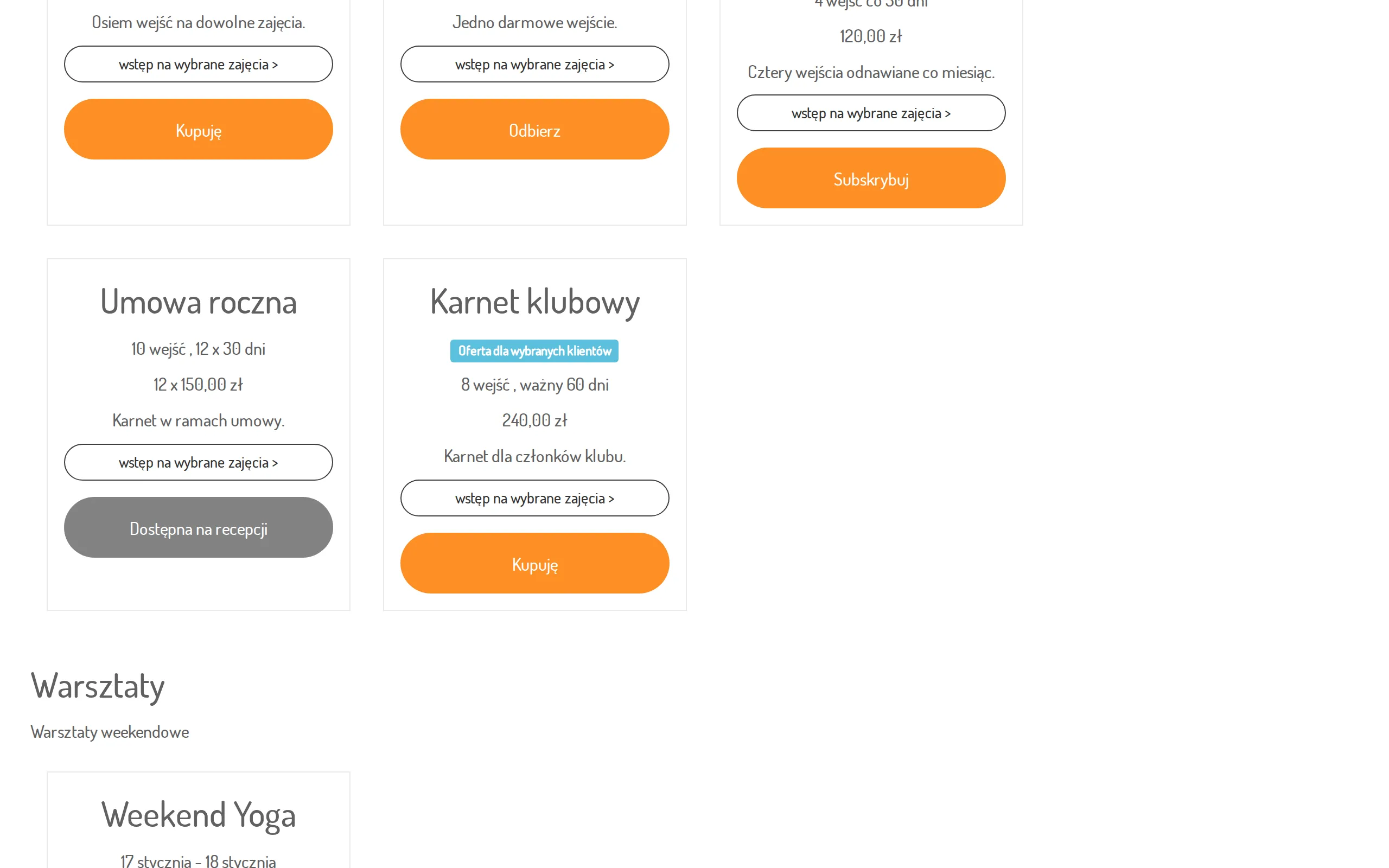
Section titled “Offer for selected clients”Some passes are sold only to selected clients, for example club members. If you are not logged in, such a pass may be labeled Offer for selected clients. After logging in you see it in the offer only if you can buy it.
When online payment is unavailable
Section titled “When online payment is unavailable”If the studio has no online payment set up, the pass is still listed in the offer and you can open the purchase dialog, but the Buy button is greyed out. Under it you will see the note “Online payment is currently unavailable—you can purchase this pass at the studio’s front desk.” Buy such a pass on site, at the reception. Free passes are collected in the panel as usual.