Check your passes
-
Open the navigation menu and click passes.
-
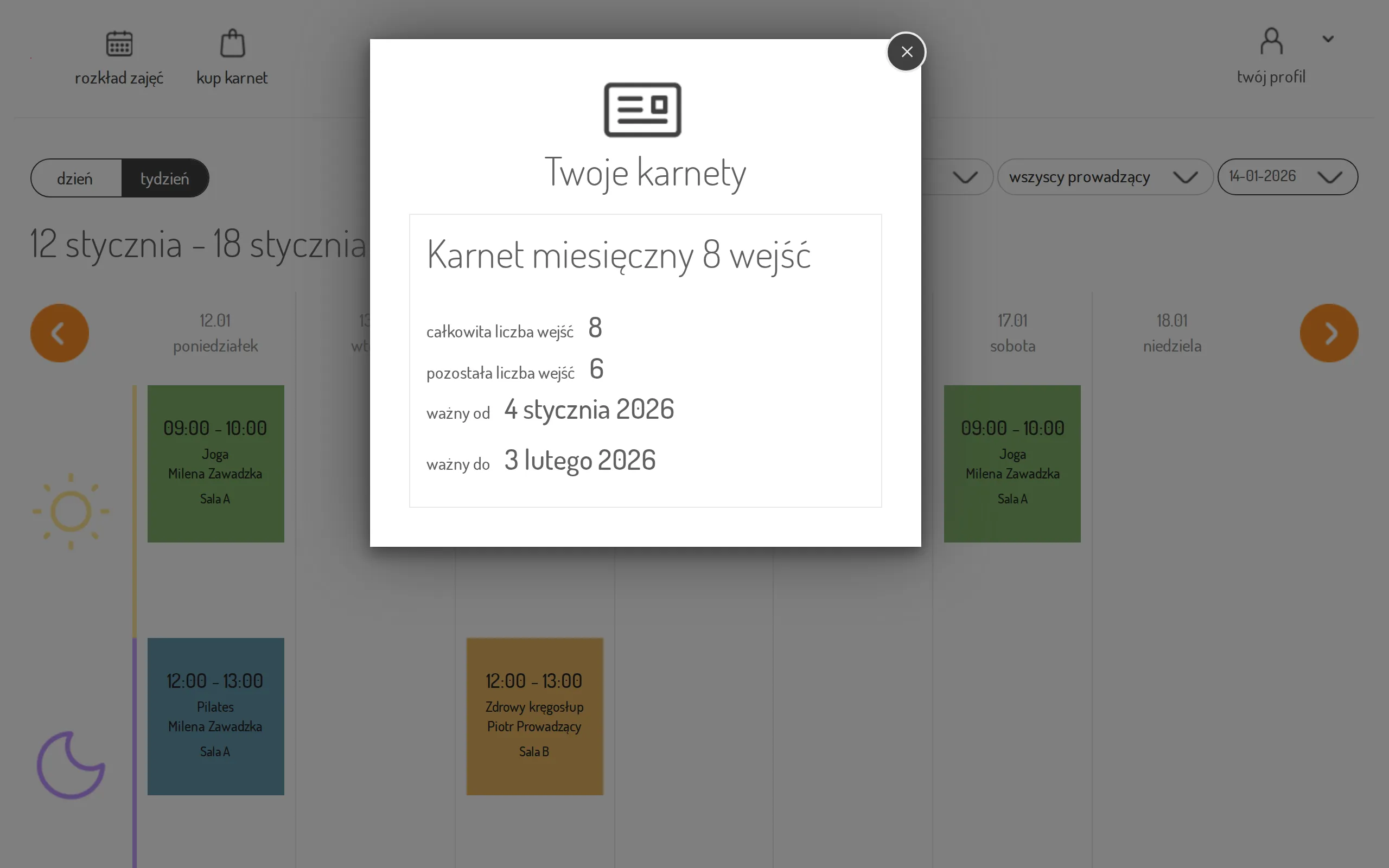
The Your passes view shows the pass name, total and remaining visits (“total” / “left”), and the validity dates (“valid from” / “valid to”).
-
If you have more than one pass, use the dropdown at the top to switch between them.
-
If a pass hasn’t started yet, you’ll see “This pass has not been activated yet. If you want it to be valid from today - you can activate it now” — click activate now to make it valid immediately.
- To see the classes you’re already signed up for, open the navigation menu and click upcoming events — it lists your future bookings under “Upcoming reservations”.
If you have no valid pass, the view shows “You have no valid pass” with a Check offer button that takes you to the pass offer — see Buy a pass online.