A partial payment at the front desk
Kasia Nowak hears this one every week: “I’ll take the pass, but I only have part of it in cash on me.” Systemate is fine with that — as long as the rest of the amount stays pinned to the right customer.
1. A pass for 240, cash for 160
Section titled “1. A pass for 240, cash for 160”Ania picks the monthly pass for 240 zł but has 160 zł in cash. Kasia adds the pass to the order in Sale, chooses cash, and types 160 into the payment field. Because the order is not fully paid, Systemate requires her to pick Ania under Assign transaction to client account — that is what keeps the missing 80 zł attached to Ania instead of vanishing into thin air. Kasia confirms the sale; the pass is Ania’s, and the transaction stays marked as not paid in full.
Step by step: Sell a pass at the front desk.
2. The same evening, at home
Section titled “2. The same evening, at home”Ania promised to pay the rest online — and her customer panel makes that easy: the Your passes view shows Your account balance with the outstanding 80 zł and a Pay button that takes her to the payment operator’s page.
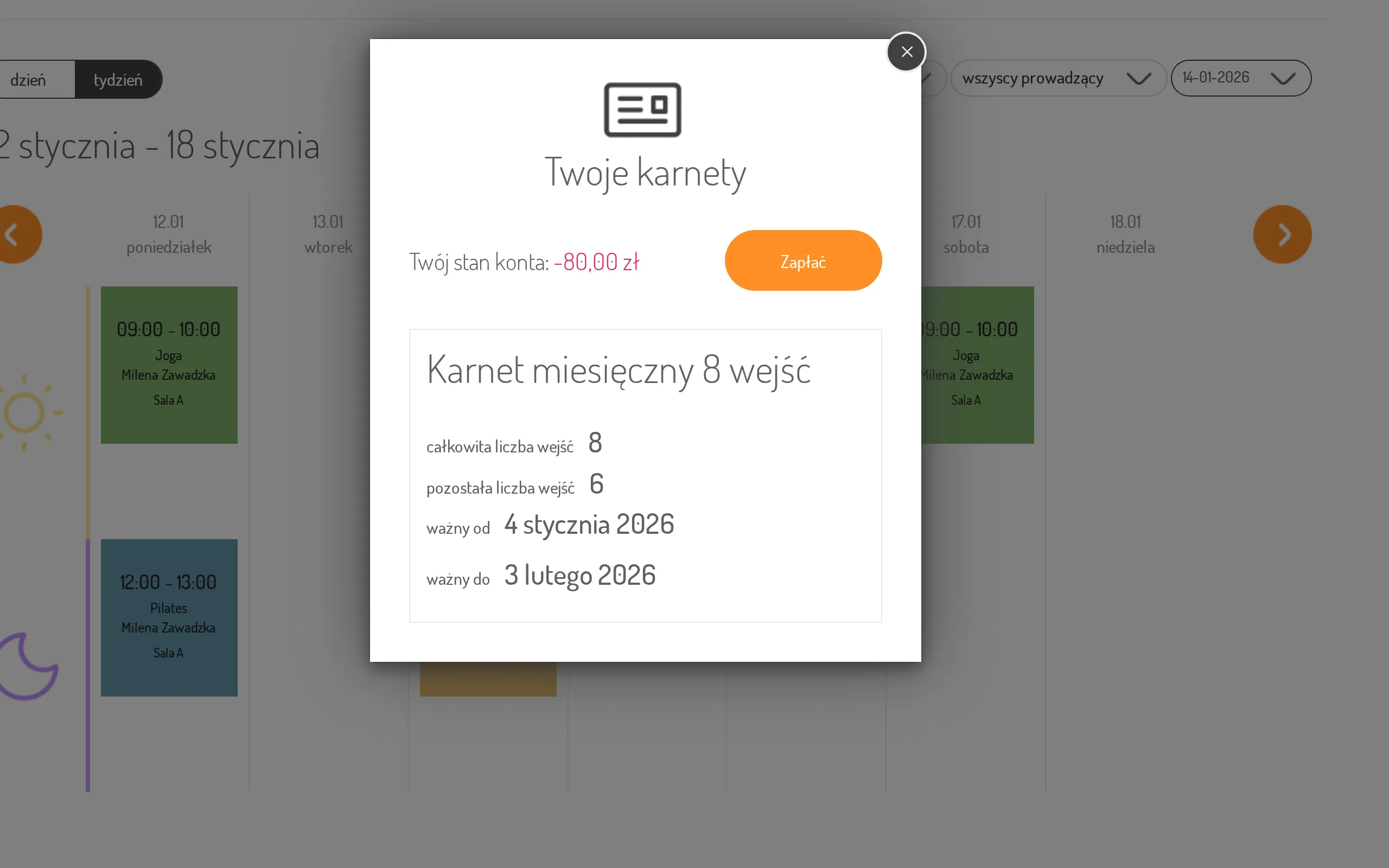
That evening is a whole story of its own, told from Ania’s side: Ania settles an outstanding balance online.
3. And if she forgets?
Section titled “3. And if she forgets?”Nothing gets lost. The next time Ania comes to yoga and Kasia clicks ✓ next to her name, the Additional information window pops up with “The client has outstanding payments”. One click on Check opens Ania’s Transactions tab in a new browser tab — Kasia sees the transaction with 80 zł left, mentions it, takes the cash, and records it with Add on the transaction’s payments list.
Step by step: Check the attendance list and Check a customer’s payments.
The result: the customer walks out with her pass on day one, the studio never loses track of the remaining 80 zł — and nobody at the front desk has to remember anything, because the system does the reminding.