Reset your password
-
Click sign in in the top bar, then click Lost password?.
-
Enter your e-mail address and click Reset password.
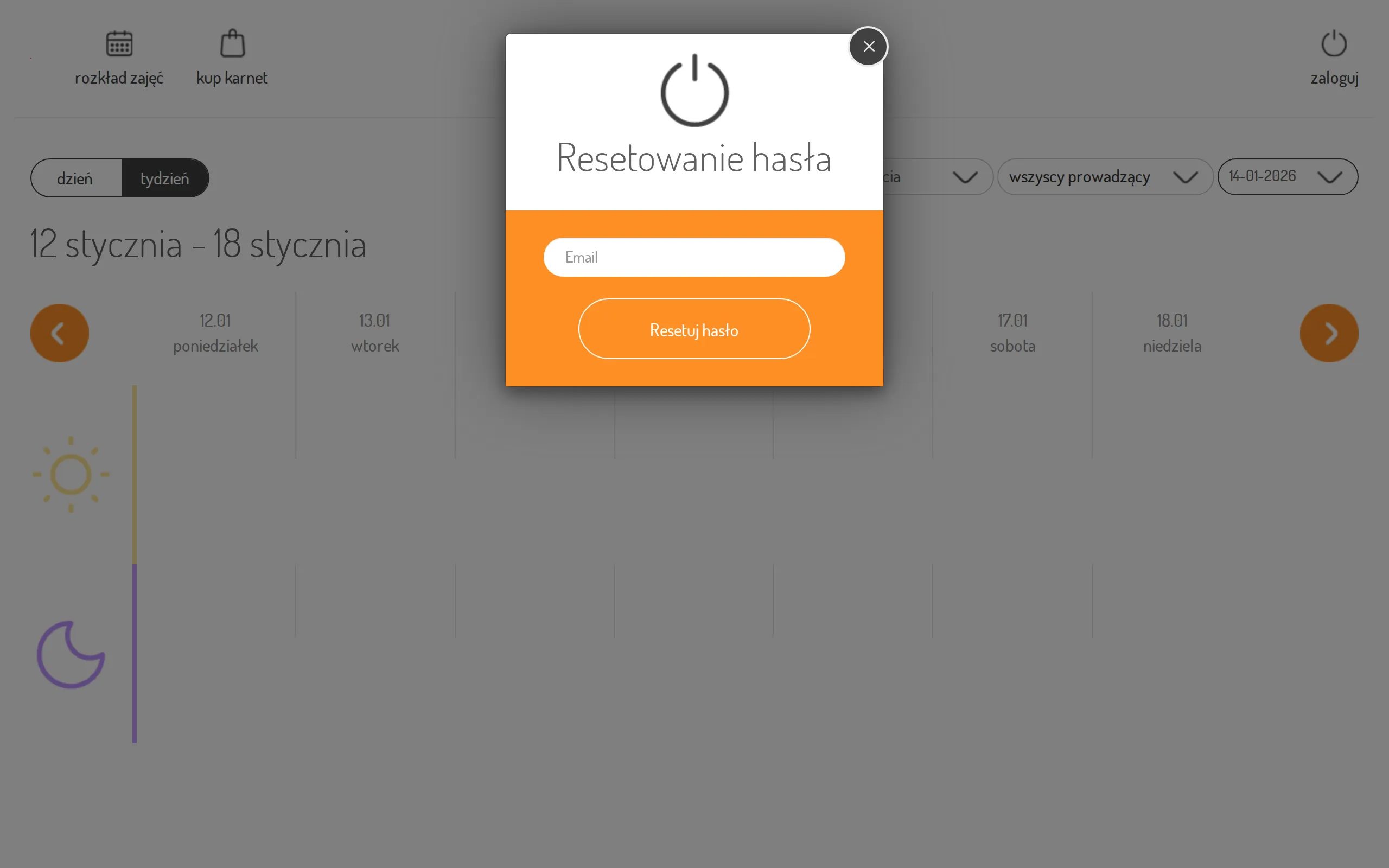
-
You’ll see: “If the given address is correct, we will send you a message with a link to change the password.”
-
Open the link from that e-mail. On the password reset page, enter a new password and repeat it in “Confirm password”, then click Change password.
-
If everything checks out, you’re logged in automatically. If automatic login fails, you’ll see a message asking you to log in manually with the new password.
Once signed in, you can also change your password from your profile — see Update your details.