Add a new customer
-
In the office panel go to Clients.
-
Click + Add.
-
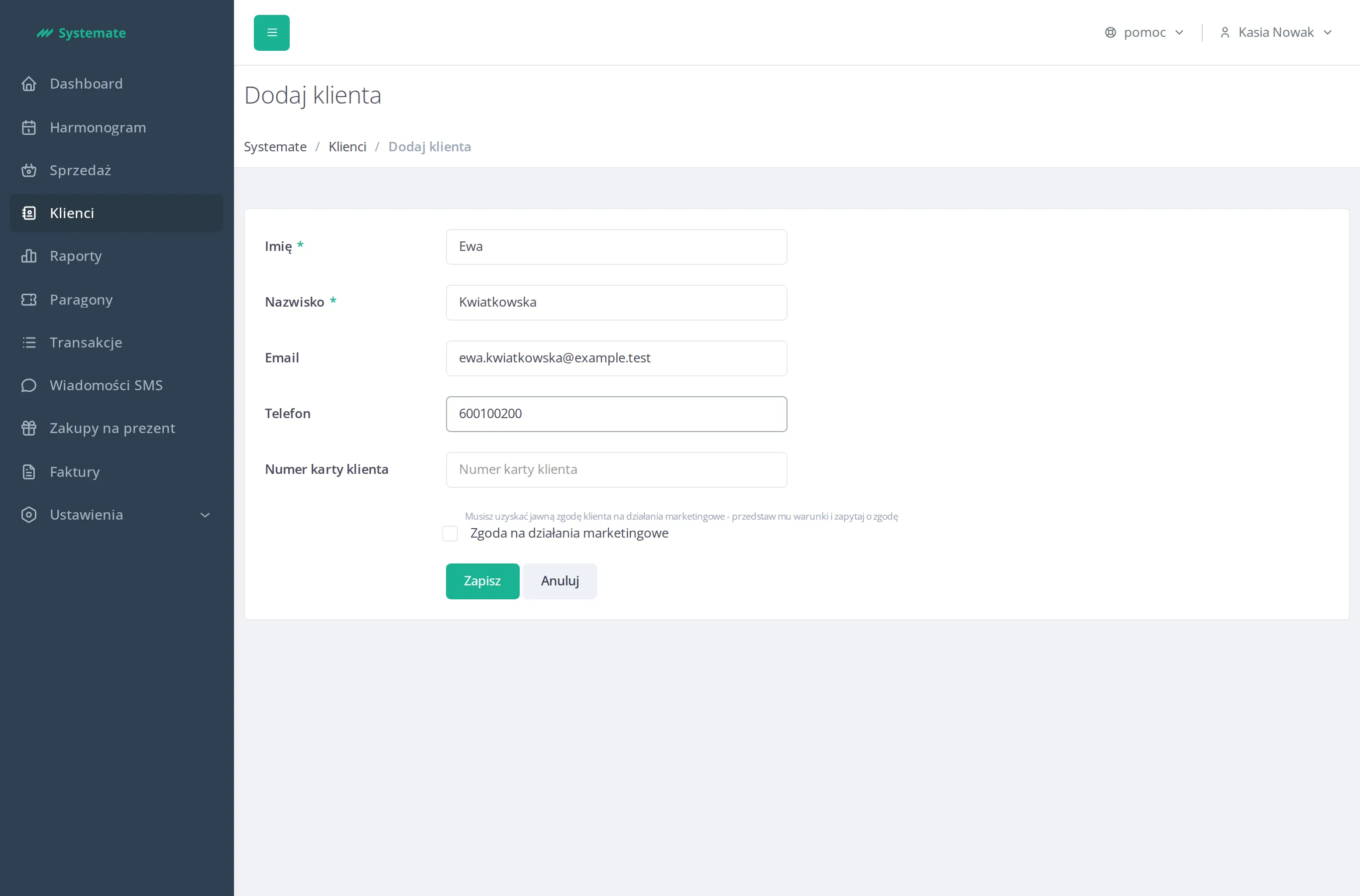
Fill in the form:
- First name and Last name (required),
- Email and Phone (optional),
- Loyalty card number (optional) — used for barcode scanning and quick search,
- Allow marketing activities — tick only with the customer’s consent.
-
Click Save — the new customer’s profile opens.