Uninstall Systemate Paragony
This page describes how to remove the Systemate Paragony program from your computer—on a Mac or Windows PC.
1. First, disconnect the program in the panel
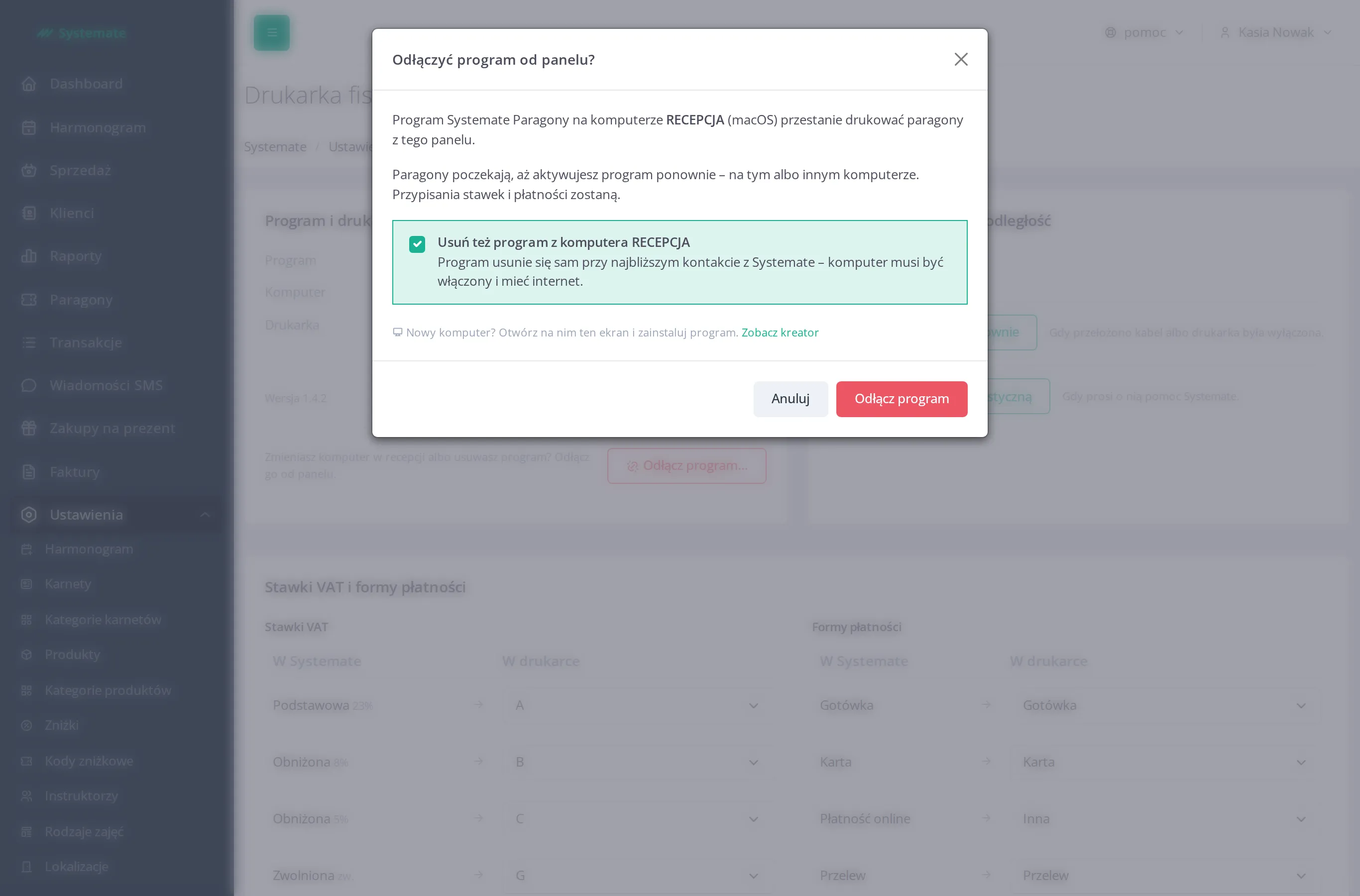
Section titled “1. First, disconnect the program in the panel”Removing the program from your computer does not disconnect it in the office panel. Start by disconnecting it—see Disconnect the fiscal printer program.
On a Mac, the disconnection window has the option Also uninstall the program from the computer … checked. If you leave it checked, the program will remove itself, and you won’t need to do anything else on your computer.
2. On a Mac — Manually
Section titled “2. On a Mac — Manually”- Open the Applications folder.
- Double-click Odinstaluj Systemate Paragony (Uninstall Systemate Paragony).
- The system will display a window asking for a password and stating Program Systemate Paragony zostanie odinstalowany z tego komputera. (The Systemate Paragony program will be uninstalled from this computer.) Enter the password for the computer’s owner account and confirm.
No further windows will appear. The icon next to the clock disappears, and the Odinstaluj Systemate Paragony app removes itself. If you cancel the password window, nothing will be removed.
3. In Windows
Section titled “3. In Windows”- Open Start → Settings → Apps → Installed apps → Systemate Paragony → Uninstall.
- Windows will ask for administrator permission—confirm (this window will appear once).
- Confirm the removal of the program when Windows prompts you.
The icon on the taskbar disappears.
What Disappears
Section titled “What Disappears”The program’s activation is removed along with the program. If you reinstall the program, you’ll need a new activation code. The printer application that printed receipts before you installed Systemate Paragony will not restart on its own.