Reschedule or cancel a private lesson
You will find your private lessons on the My Classes screen. Open it with private lessons in the profile menu (click your initials in the top right corner), through the button on the screen after booking, or through Upcoming Reservations next to the title of the private lessons tab. You need to be logged in.
-
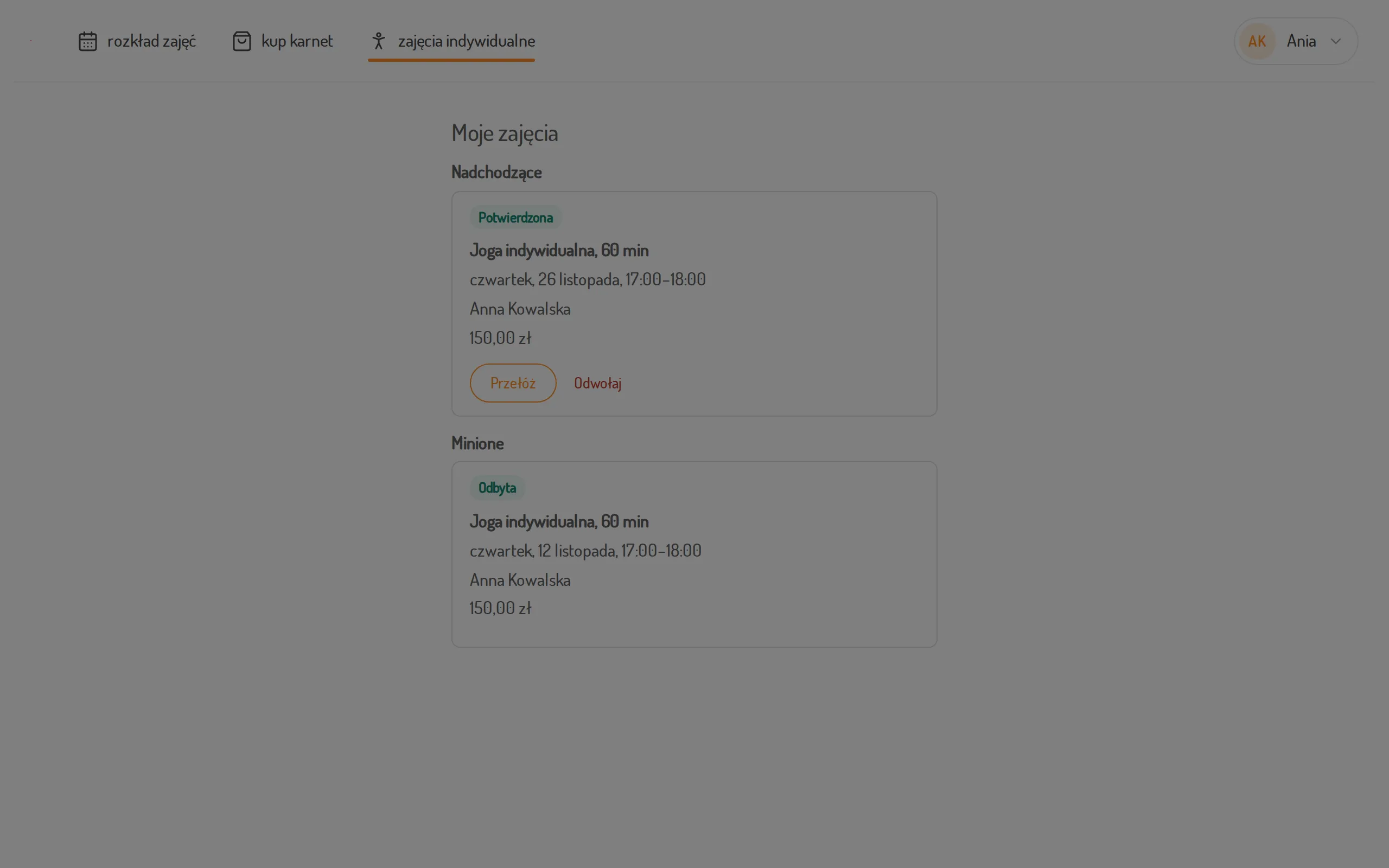
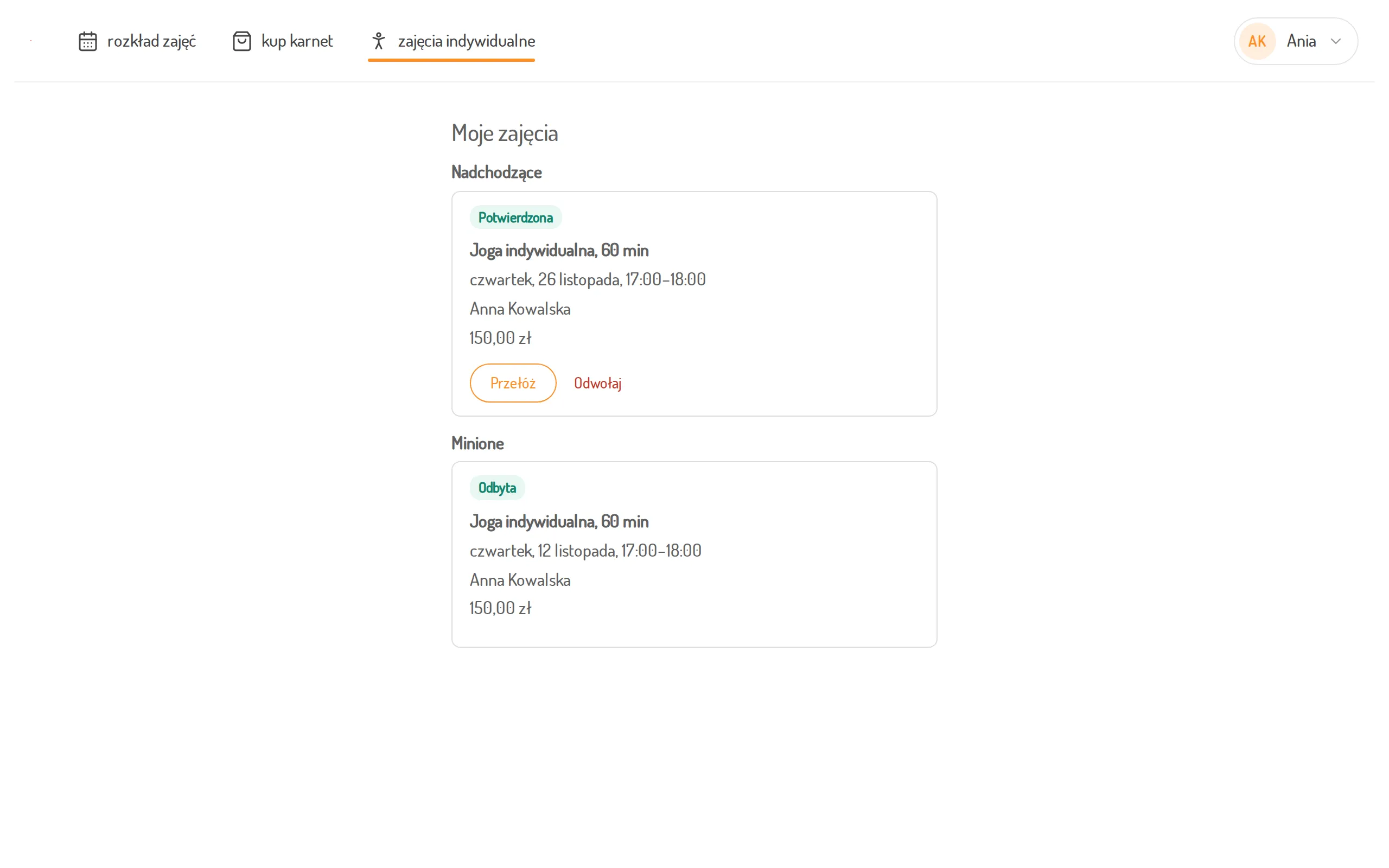
Open the My Classes screen. Upcoming lists the lessons still ahead of you, Past those that have taken place or were cancelled.
-
To move a lesson, click Reschedule next to the booking. The lesson type, the instructor and the price stay the same.
-
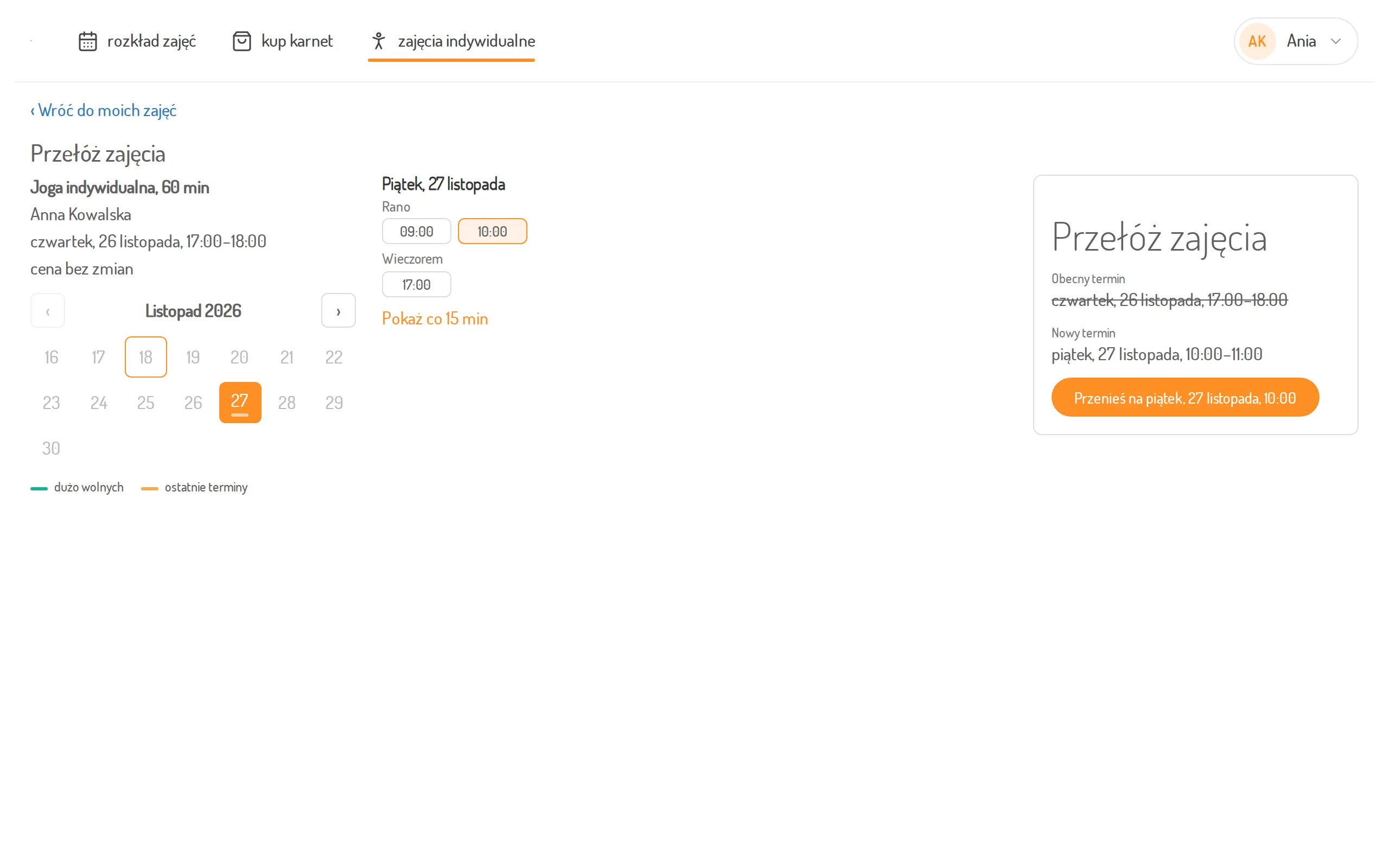
Choose a day in the calendar, then a time. You only see the free times of the instructor your lesson is with.
-
Check the summary: the current time is crossed out, the new one is shown next to it. Click Move to … with the new time. On a phone the summary opens after you click Next on the bottom bar.
-
To cancel a lesson, click Cancel next to the booking and confirm with Cancel a class. Leave the reservation closes the window without changes.